For Tesla · 2× CAN
The open-source commander for your Tesla
DashKit plugs into your Tesla's CAN buses and puts your car on rules you write, all on open, community-built software.
Wipers off on Autopilot
Wipers set to off stay off when Autopilot engages. DashKit stops the car from switching them back to auto.
Climate keeps running
Set a duration in the app and DashKit keeps the cabin conditioned after you leave, then switches off on its own.
Multi-touch triggers
Three-, four-, and five-finger taps on the touchscreen mapped to actions like opening the glovebox.
Battery preheat
Schedule a preheat from the app so the battery is warmed up and ready before you unplug and drive.
Ships to EU, UK, US & Canada · Open source
What DashKit does
Three things: Dashboard, Automation, Controls.
Dashboard
Every signal, live on your phone
Pair over Bluetooth and turn your phone into a real-time dashboard with the DashPilot app. Live gauges, custom readouts, and every signal off the bus, rendered as you drive.
Automation
Your car reacts to context
Keep the auto wipers off the moment Autopilot or adaptive cruise engages, keep the climate running after you leave the car, or map multi-finger touch gestures to actions like opening the glovebox or toggling the rear fan.
Controls
Reach controls the car already has
Read and send messages on both CAN buses. Lock and unlock, trigger functions, and reach the controls your Tesla already has, now under your command.
Automations that actually help
Your Tesla, running on your rules.
Engage Autopilot or adaptive cruise with your wipers set to off, and the car normally forces them back to auto, swiping at a dry windshield. DashKit blocks that override, so off stays off until you say otherwise.
Climate can outlast you, too. Normally it shuts down soon after you walk away, but pick a duration in the DashPilot app and DashKit keeps the climate running for exactly that long after you leave the car. Lock up, run your errand, and come back to a cabin that's still cool in summer or warm in winter. When the timer runs out, DashKit switches it off on its own.
- Wipers stay off your off setting holds when Autopilot or ACC engages, instead of being forced to auto
- Climate stays on keeps running for the time you set in the app after you leave the car, then shuts off
- Multi-finger taps three-, four-, and five-finger taps on the infotainment screen mapped to actions like the glovebox or rear fan
The hardware
Built to live inside your Tesla
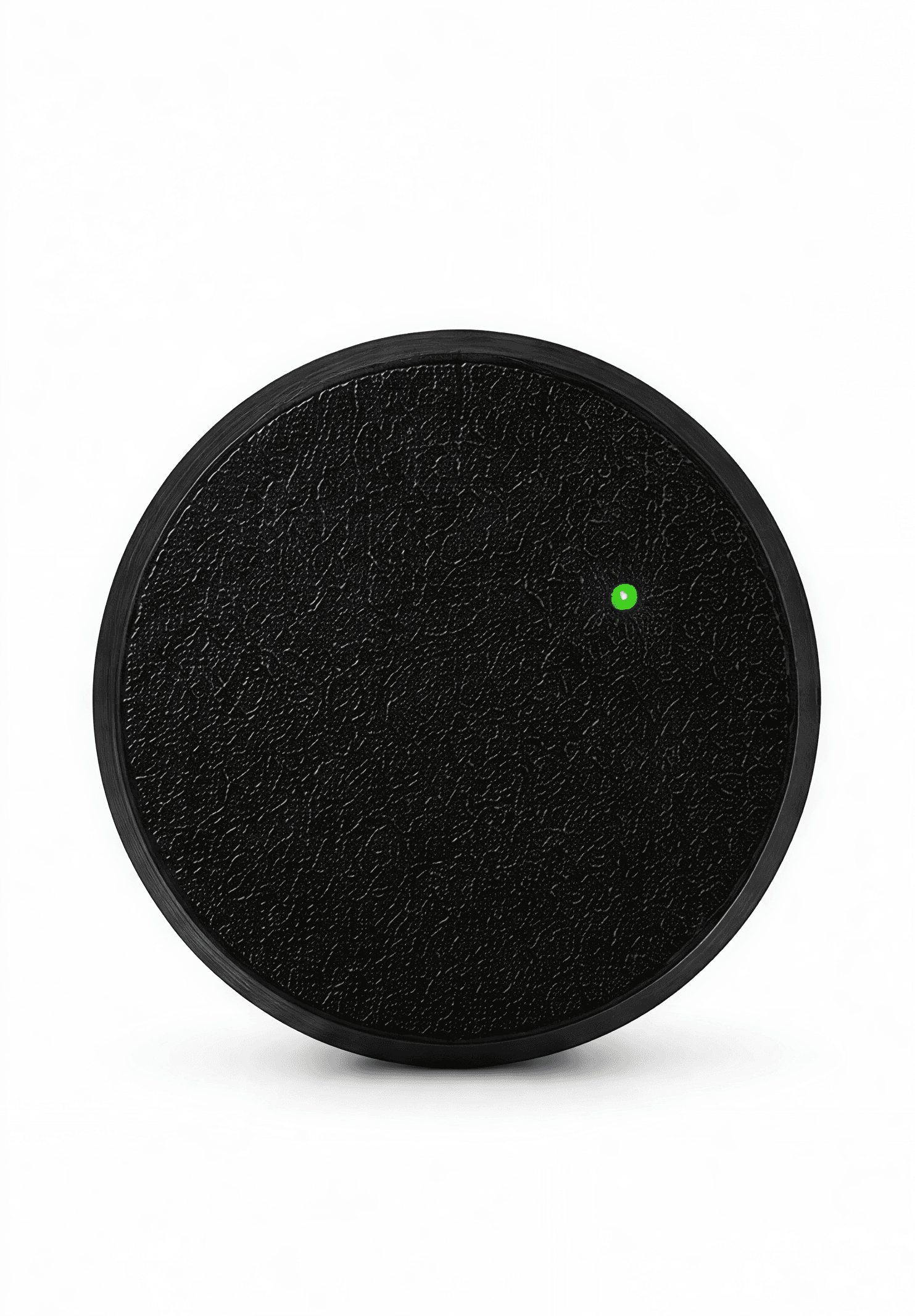
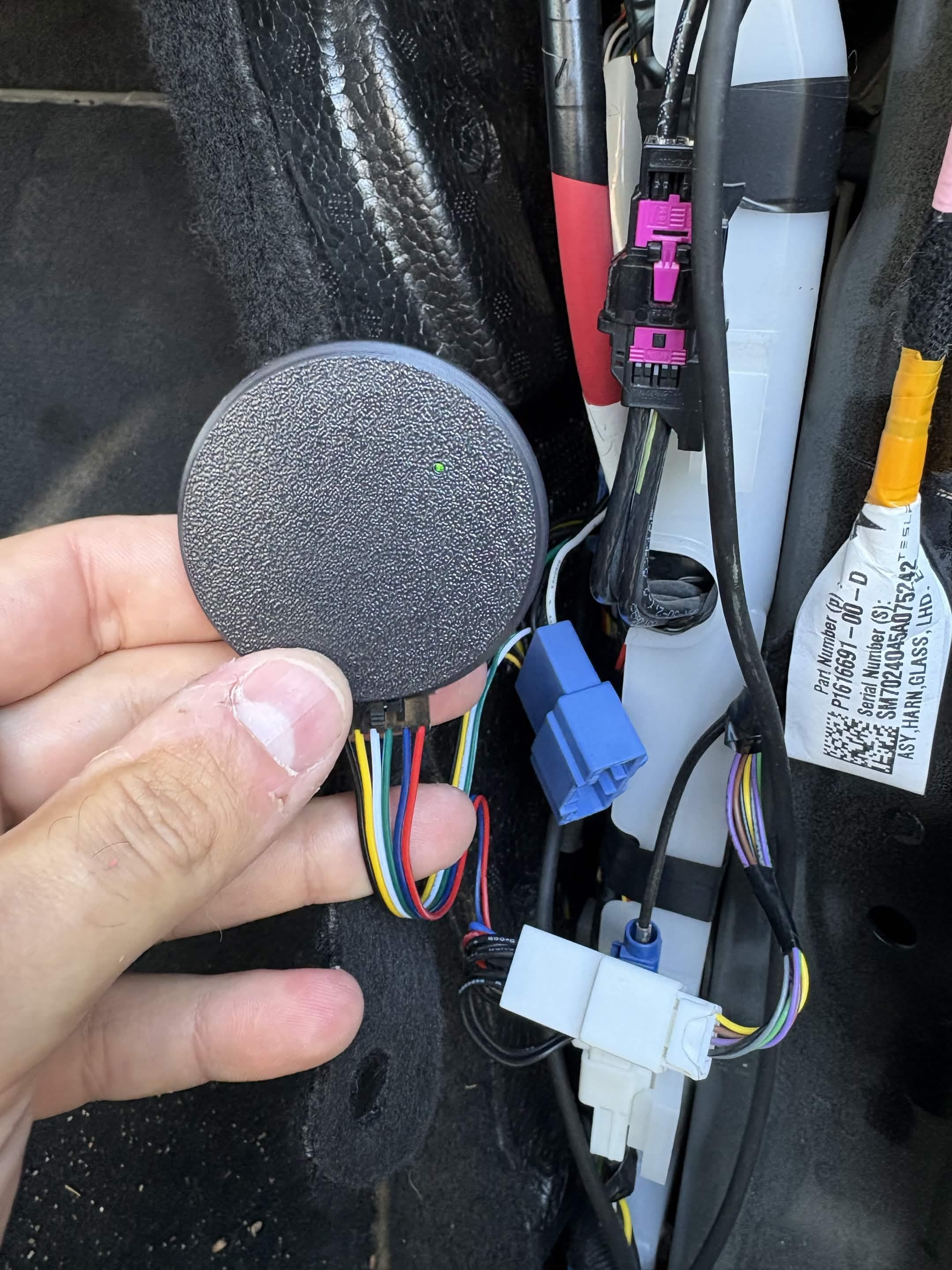
A compact, sealed module with two independent CAN interfaces, an RGB status LED, and Bluetooth Low Energy. It taps straight into the Tesla harness and disappears behind the trim. No screens to bolt on, no clutter on the dash.
- 2× CAN two independent buses
- BLE 5 wireless link to DashPilot on your phone
- ESP32-S3 with 16 MB flash and OTA updates
Why DashKit is different
The features are built by the open-source community
DashKit isn't a locked black box. The firmware and the integrations are open, so the people who actually drive these cars are the ones extending them. Every new automation, every decoded signal, every supported model makes the device better for everyone, and nobody can take that away.
Open firmware
Inspect it, build it, flash it. The device runs open software you can read and trust, with no hidden behavior on your car's bus.
Community-driven
DashKit supports Tesla today, and more models land because the community adds them. Contribute a fix or a whole integration and ship it to everyone.
Yours to extend
Write your own automations and dashboards. DashKit is a platform, not a product you're locked out of.
Open up your Tesla.
Orders are open. Get the DashKit device and join the community building on top of it.